
Add this plugin to Torque Pro to monitor specific KIA vehicle parameters.
Expand your Torque Pro app by adding this plugin to track real-time KIA data, including detailed engine and automatic transmission sensor readings.
Advanced LT is a plugin for Torque Pro that adds vehicle-specific PIDs and sensors for KIA models, offering a limited set of parameters to try before purchasing the full version. This edition does not include calculated sensors such as Injector Duty Cycle (%) or HIVEC mode.
*PLEASE NOTE*: Additional KIA models and engine types may function with the plugin, but testing has only been performed on the following:
* Carnival/Sedona 3.8 V6
* Carnival/Sedona 2.7 V6
* Carnival/Sedona 2.2 CRDI
* Cee'd 1.4/1.6 MPI
* Cee'd 2.0 MPI
* Cee'd 1.4/1.6 CRDI
* Cee'd 2.0 CRDI
* Cee'd 1.6 GDI
* Cerato/Forte 1.6 MPI
* Cerato/Forte 1.8 MPI/GDI
* Cerato/Forte 2.0 MPI/GDI
* Optima/K5 2.0 Turbo
* Optima/K5 2.0/2.4 GDI
* Mohave/Borrego 3.8 V6
* Mohave/Borrego 3.0 CRDI
* Rio 1.4/1.6 MPI
* Rio 1.2 MPI
* Soul 1.6 MPI
* Soul 2.0 MPI
* Sorento 2.4 GDI
* Sorento 3.5 V6
* Sorento 2.0/2.2 CRDI
* Spectra/Cerato 1.6 MPI
* Spectra/Cerato 2.0 MPI
* Sportage 2.0 MPI
* Sportage 2.7 V6
* Sportage 2.0 CRDI
* Sportage 1.6 MPI
* Sportage 2.0/2.4 MPI/GDI
* Venga 1.4/1.6 MPI
* Venga 1.4/1.6 CRDI
The plugin also includes an ECU Scanner tool, which helps locate specific sensors on unsupported KIA engines. Simply record at least 1000 samples and email the logs to the developer for analysis.
Advanced LT requires the most recent version of Torque Pro to operate correctly. This is *NOT* a standalone app and will *NOT* function without Torque Pro installed.
Plugin Installation
-------------------------
1) After downloading the plugin from Google Play, verify that it appears in your Android device’s list of installed applications.
2) Open Torque Pro and tap the "Advanced LT" icon.
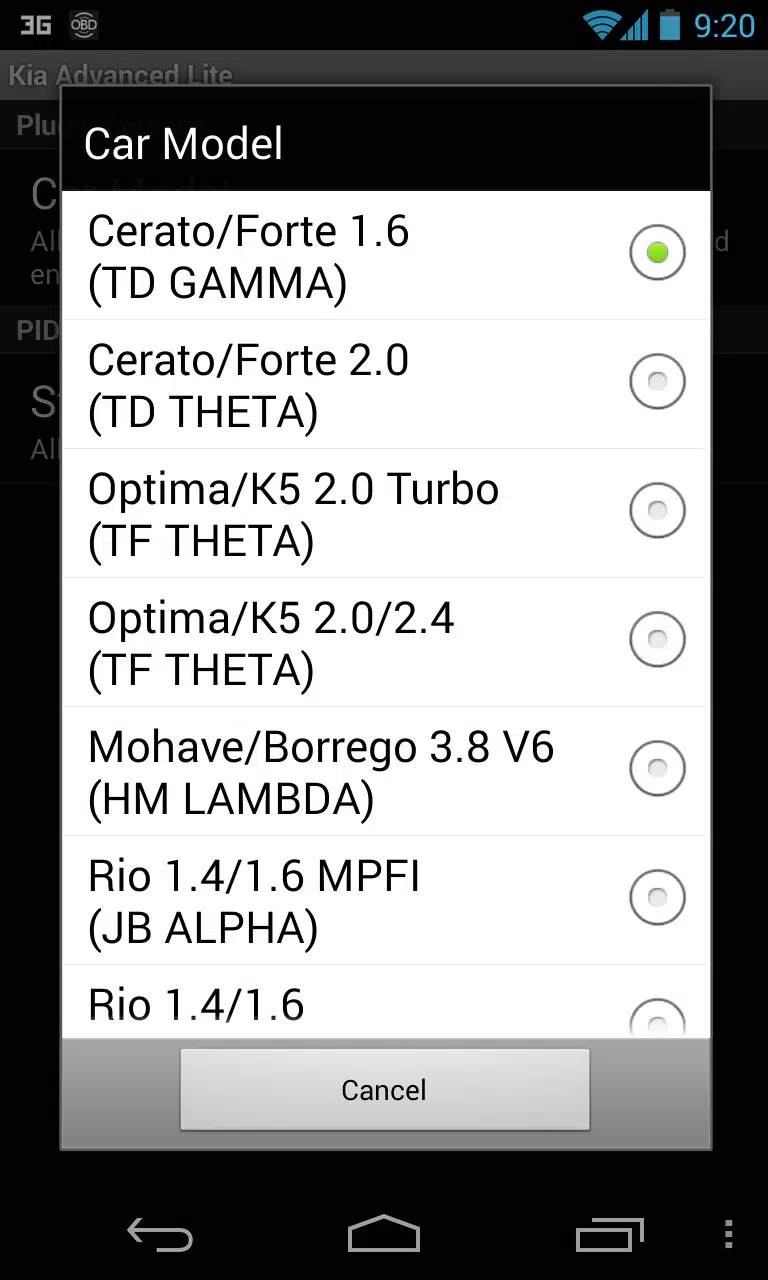
3) Choose the correct engine type and return to the Torque Pro home screen.
4) Go to Torque Pro "Settings".
5) Confirm the plugin is listed under "Settings" > "Plugins" > "Installed Plugins".
6) Scroll down to "Manage extra PIDs/Sensors".
7) This screen normally shows no entries unless you've previously added custom or predefined PIDs.
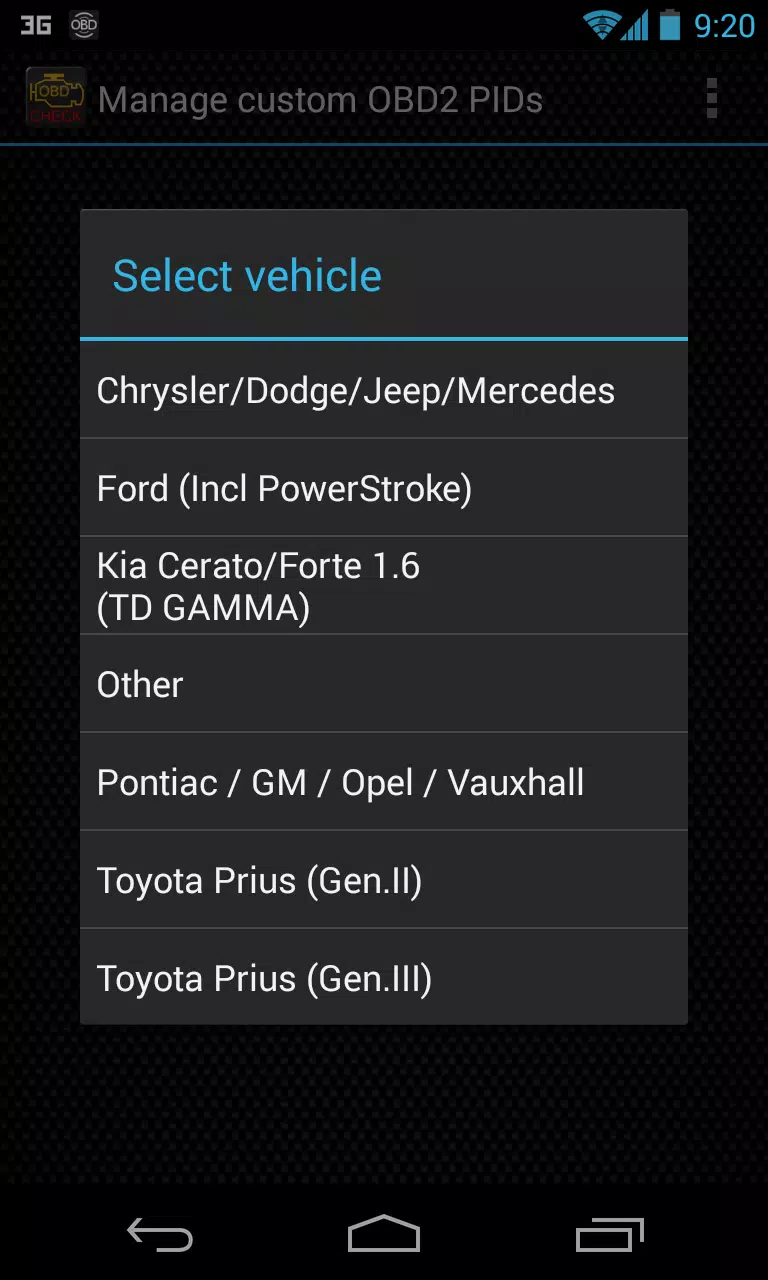
8) From the menu, select "Add predefined set".
9) You may see sets for other KIA engines—ensure you select the correct one.
10) After selecting the appropriate set, you should see new entries in the Extra PIDs/Sensors list.
Adding Displays
------------------------
1) Once you’ve added the sensors, navigate to the Realtime Information/Dashboard.
2) Press the menu button and tap "Add Display".
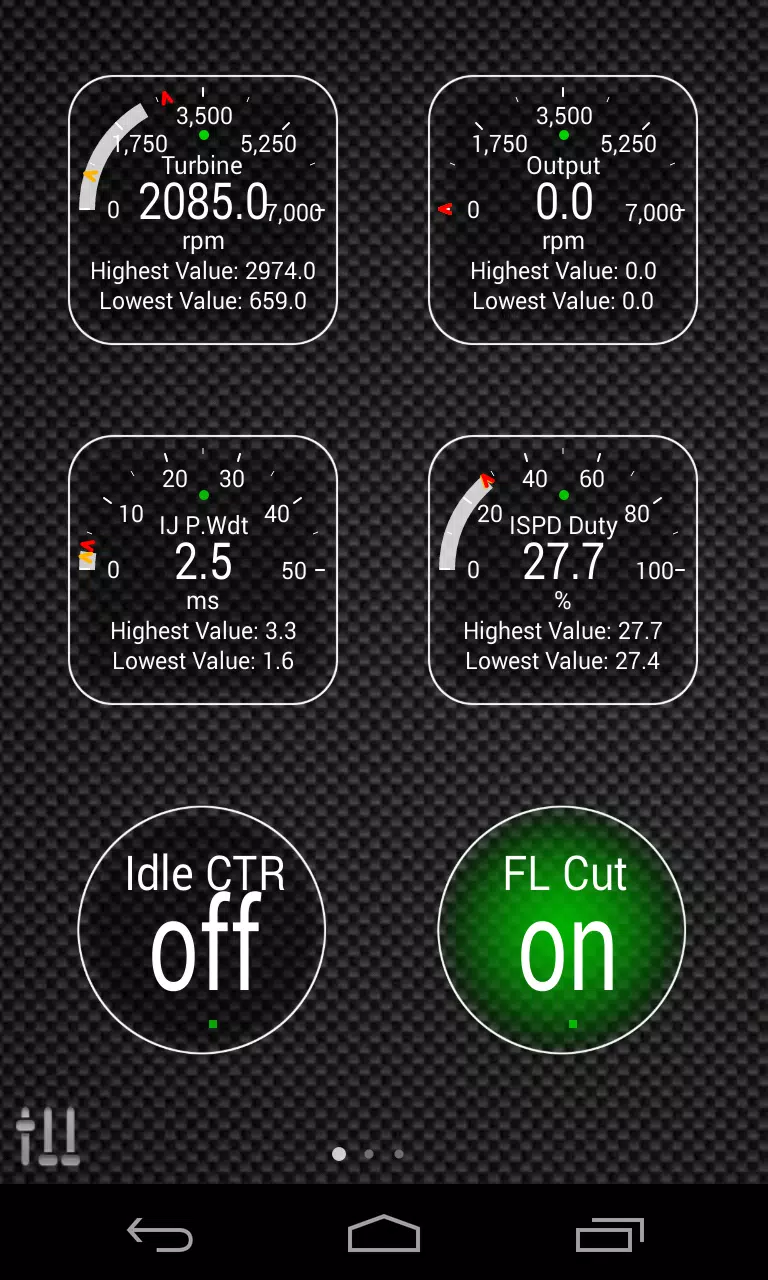
3) Choose a display style (Dial, Bar, Graph, Digital Display, etc.).
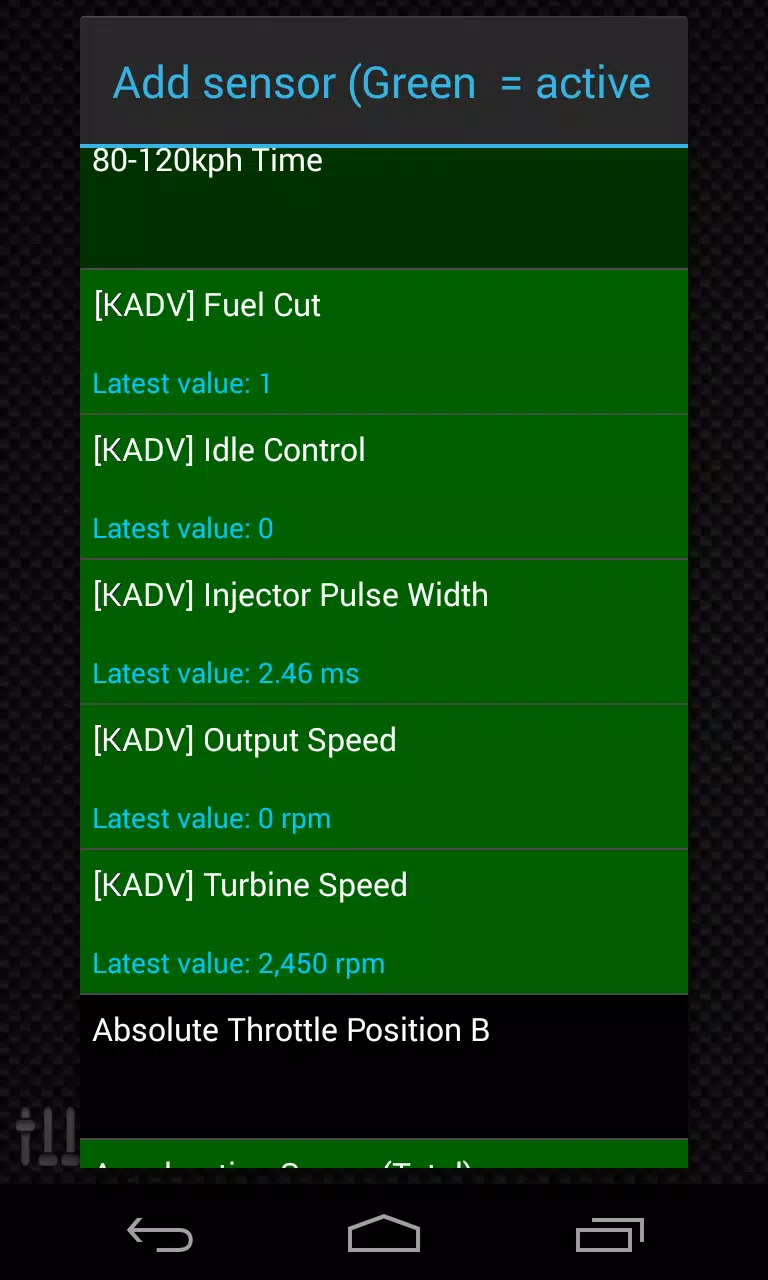
4) Select the sensor from the list. Sensors from Advanced LT are labeled "[KADV]" and appear near the top, following time-related sensors.
Future updates will bring more features and parameters. Feedback and suggestions are always welcome.
"Clair Obscur: Expedition 33 Hits 1 Million Sales in 3 Days"
Top 10 Liam Neeson Films Ranked
Ragnarok V: Returns Beginner's Guide - Classes, Controls, Quests, Gameplay Explained
Roblox Deep Descent: January 2025 Codes Revealed
How to Feed Villagers in Necesse
Expedition 33 Patch Fixes Soft-Lock Bug
Bitlife: How to Complete the Renaissance Challenge
Bahiti Hero Guide: Mastering the Epic Marksman in Whiteout Survival

Gothic Classic brings the hit RPG to mobile for the first time as iOS release announced
Jun 05,2026

Stick World Z: Zombie War TD Hits Android
Jun 05,2026

Billie Piper Regenerates as Doctor Who, Fans Speculate
Jun 02,2026

Madoka Magica Magia Exedra Launches Scene 0 Event
Jun 02,2026
Retro-Style Bullet-Hell Shooter ASCISPACE – Guerra Subatômica Is Now Out
May 31,2026
 Category
 Download




















Discover the best beauty apps to enhance your makeup and skincare routine! This curated collection features top-rated apps like Magic Beauty Makeup Camera, Beauty Plus Princess Camera, Makeup Ideas, FOREO (for skincare devices), Easy hairstyles step by step, FaceTone, SnapArt, Makeup Photo Editor, Beauty Make Up Photo Editor, and Makeup Camera: Selfie Editor & Beauty Makeup. Transform your selfies, find makeup inspiration, and explore innovative skincare tools – all in one place. Find the perfect app to achieve your desired look and elevate your beauty game today!
FaceTone
Makeup Camera: Selfie Editor & Beauty Makeup
Beauty Plus Princess Camera
SnapArt Pro Ai Photo Editor
Makeup Ideas
FOREO For You
Makeup Photo Editor