
Introducing Build My PC - Part Picker, the ultimate Android app for effortlessly assembling your custom computer. This fast and responsive app provides a smooth, lag-free experience with an intuitive interface. Select components like processors, motherboards, graphics cards, RAM, SSDs, and HDDs to create your perfect PC. It automatically filters for compatible parts, simplifies your choices, and warns you about any incompatible selections for a seamless build. Calculate total power consumption, manage wattage, and save, rename, duplicate, or delete your custom configurations. Customize part prices, swap components, and choose your preferred currency globally with Build My PC - Part Picker, designed to meet every user's needs.
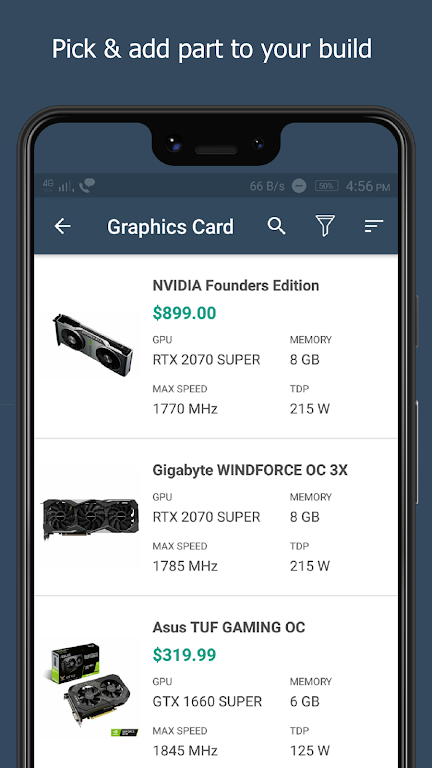
❤ Easy and Convenient Part Selection: The app delivers a hassle-free PC building experience. Its user-friendly interface lets you easily pick components like the processor, motherboard, graphics card, RAM, and more. Compatibility is simplified—only parts that work together are displayed for each choice.
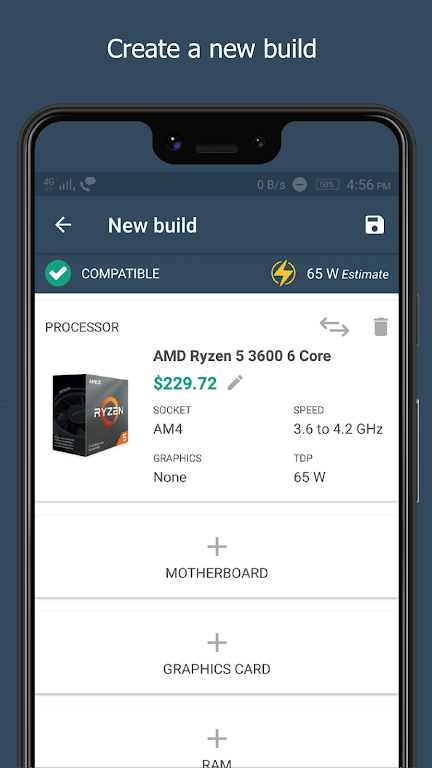
❤ Incompatibility Warning System: Concerned about accidentally choosing mismatched parts? The app includes a warning system that alerts you if any selected components are incompatible, ensuring a smooth and error-free assembly.
❤ Power Wattage Calculation: Building a PC requires careful power planning. This app estimates your build's total wattage, helping you make informed decisions when adding or removing parts. Prioritize energy efficiency and avoid overloading your power supply.
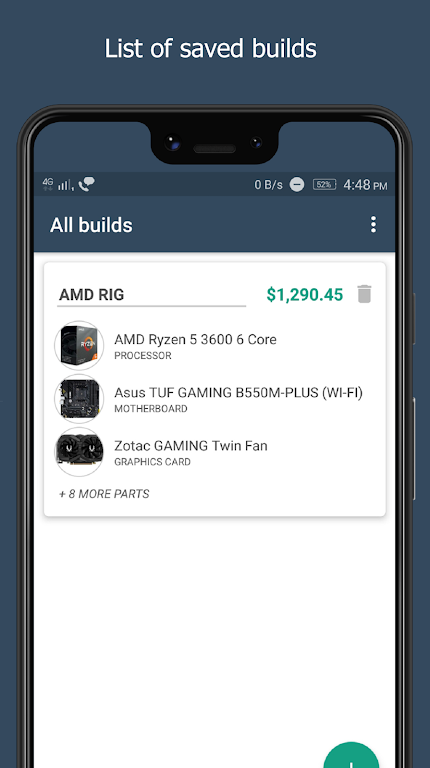
❤ Customizable PC Builds: Save, manage, and personalize your PC builds effortlessly. The app allows you to save multiple custom configurations, offering flexibility to experiment with different setups. You can also rename or duplicate your builds, making it easy to compare and revise your choices.
❤ Research and Compare Prices: Before purchasing, use the app's custom price feature for PC parts. Research the market to find the best deals, helping you stay on budget without sacrificing quality.
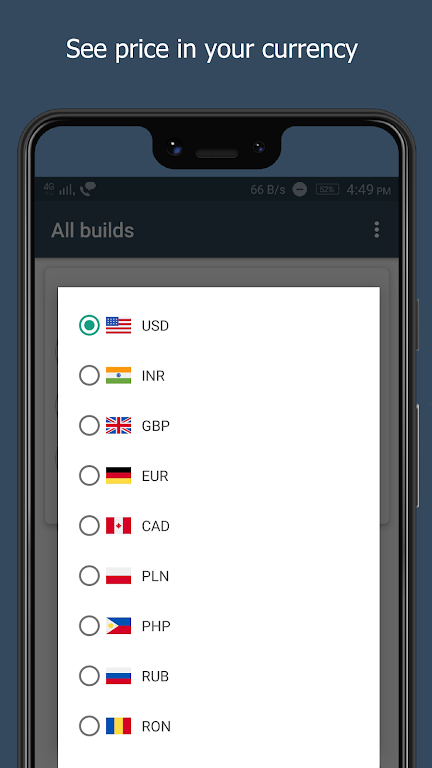
❤ Use the Currency Feature: Build My PC - Part Picker recognizes that currency varies globally. By selecting your preferred currency, you can view accurate local pricing for components, simplifying budget planning for your build.
❤ Check User Reviews and Recommendations: While the app provides compatibility and wattage data, reading user reviews and recommendations for specific parts is always helpful. This additional insight aids in assessing reliability, performance, and real-world compatibility.
Build My PC - Part Picker is an indispensable tool for PC enthusiasts and builders. With its intuitive part selector, compatibility alerts, and power calculation, it streamlines the custom PC building process. The ability to save and customize multiple builds facilitates experimentation and price comparison, ensuring you get the best configuration within your budget. By using the customizable pricing and currency options, you can stay current with market rates and make well-informed decisions. Leverage this lightweight, fast app to build your dream PC without any hassle.
"Clair Obscur: Expedition 33 Hits 1 Million Sales in 3 Days"
Top 10 Liam Neeson Films Ranked
Ragnarok V: Returns Beginner's Guide - Classes, Controls, Quests, Gameplay Explained
Roblox Deep Descent: January 2025 Codes Revealed
Expedition 33 Patch Fixes Soft-Lock Bug
Bitlife: How to Complete the Renaissance Challenge
How to Feed Villagers in Necesse
Bahiti Hero Guide: Mastering the Epic Marksman in Whiteout Survival

"____: Ares" (2025 movie) Crossword Clue - Try Hard Guides
Sep 16,2026
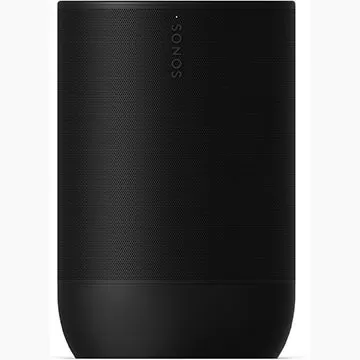
Sonos Portable Speaker: 25% Discount
Sep 16,2026
2 Years Later, Starfield Looks Set to Actually Let You Fly From One Place to Another, Though Not Quite Like No Man's Sky
Sep 14,2026
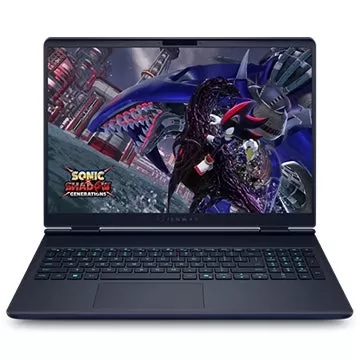
Alienware Aurora 16, 16X Gaming Laptops Launched
Sep 14,2026
Returnal Successor Saros Gets a New Trailer and Release Date | The Game Awards
Sep 13,2026
 Category

 Download




















Discover the best beauty apps to enhance your makeup and skincare routine! This curated collection features top-rated apps like Magic Beauty Makeup Camera, Beauty Plus Princess Camera, Makeup Ideas, FOREO (for skincare devices), Easy hairstyles step by step, FaceTone, SnapArt, Makeup Photo Editor, Beauty Make Up Photo Editor, and Makeup Camera: Selfie Editor & Beauty Makeup. Transform your selfies, find makeup inspiration, and explore innovative skincare tools – all in one place. Find the perfect app to achieve your desired look and elevate your beauty game today!
FaceTone
Makeup Camera: Selfie Editor & Beauty Makeup
Beauty Plus Princess Camera
SnapArt Pro Ai Photo Editor
Makeup Ideas
FOREO For You
Makeup Photo Editor