
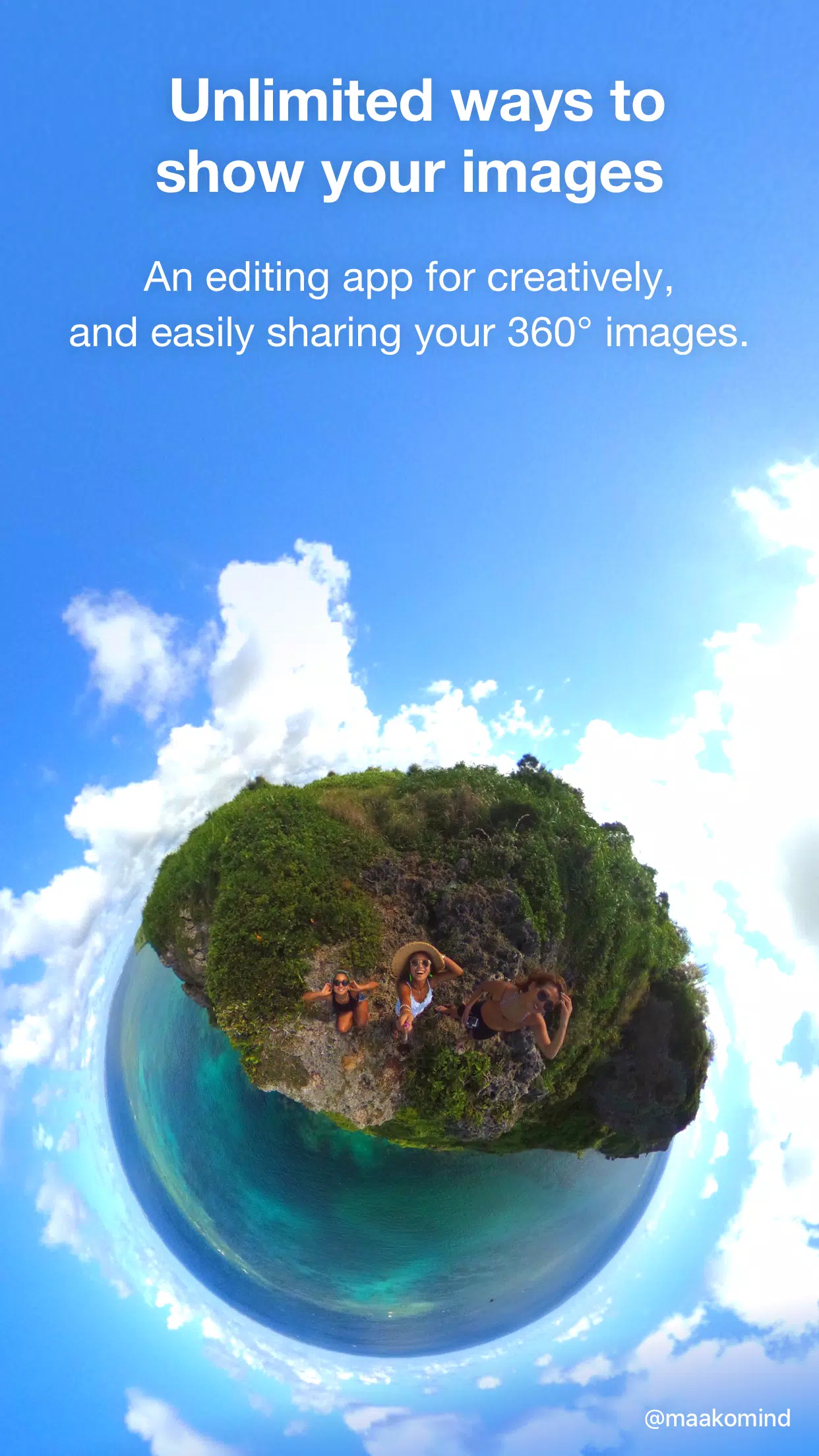
Editing and sharing 360° images has never been easier or more enjoyable, thanks to THETA+. This powerful tool allows you to crop and edit your 360° images freely after capturing them, enabling you to unlock creative expressions that traditional cameras simply can't match.
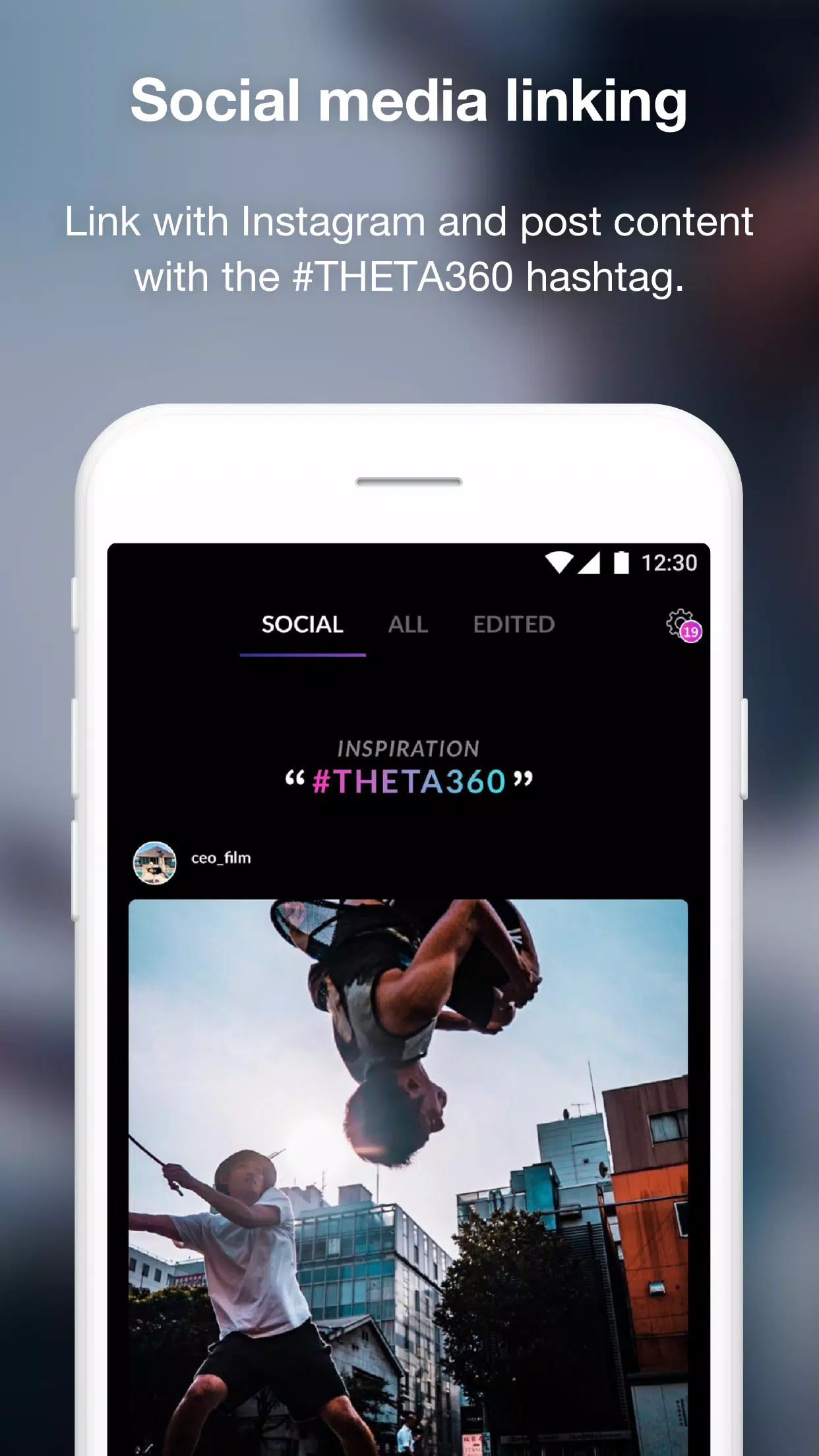
With THETA+, not only can you easily view your 360° images, but you can also transform them into captivating content that's perfect for sharing on social media platforms like Instagram, Facebook, and other social networking sites.
THETA+ offers unique editing functions specifically designed for 360° images, including:
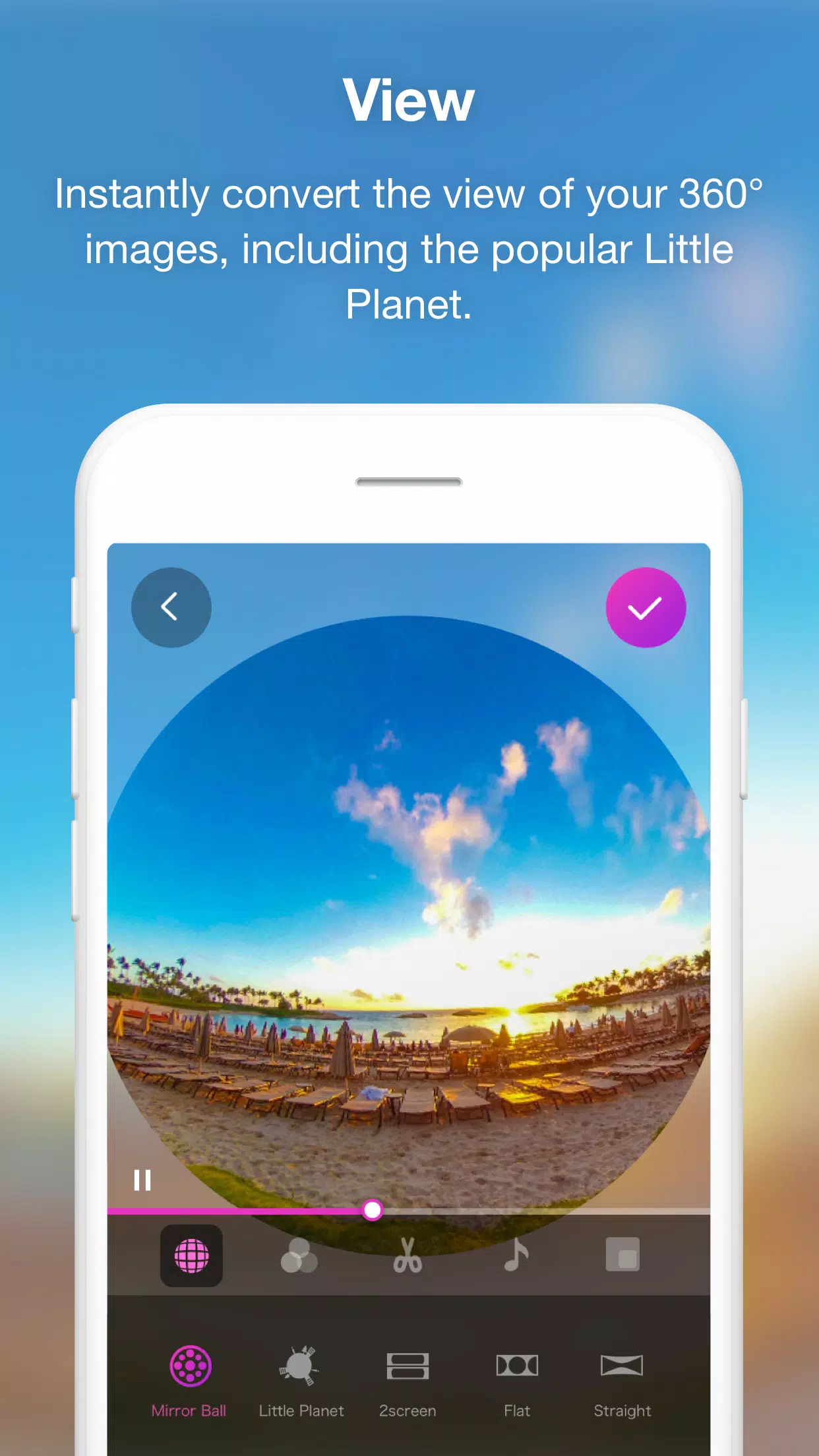
Dynamic Presentation Tools: Easily adjust the viewpoint and zoom levels to dynamically change how your 360° images are presented. With just a button press, you can transform your images into eye-catching formats like Little Planet, dual-screen views, or the enchanting soratama effect, making your 360° images more engaging and easier to showcase.
Animation Features for Non-360° Sharing: Create animations from your 360° still images by zooming in and out or rotating them. You can customize the section you want to highlight, along with its motion and speed. Once edited, these images are saved as videos, allowing you to share your 360°-rotated images in environments that don't support 360° viewing.
In addition to these specialized features, THETA+ also provides essential video editing tools:
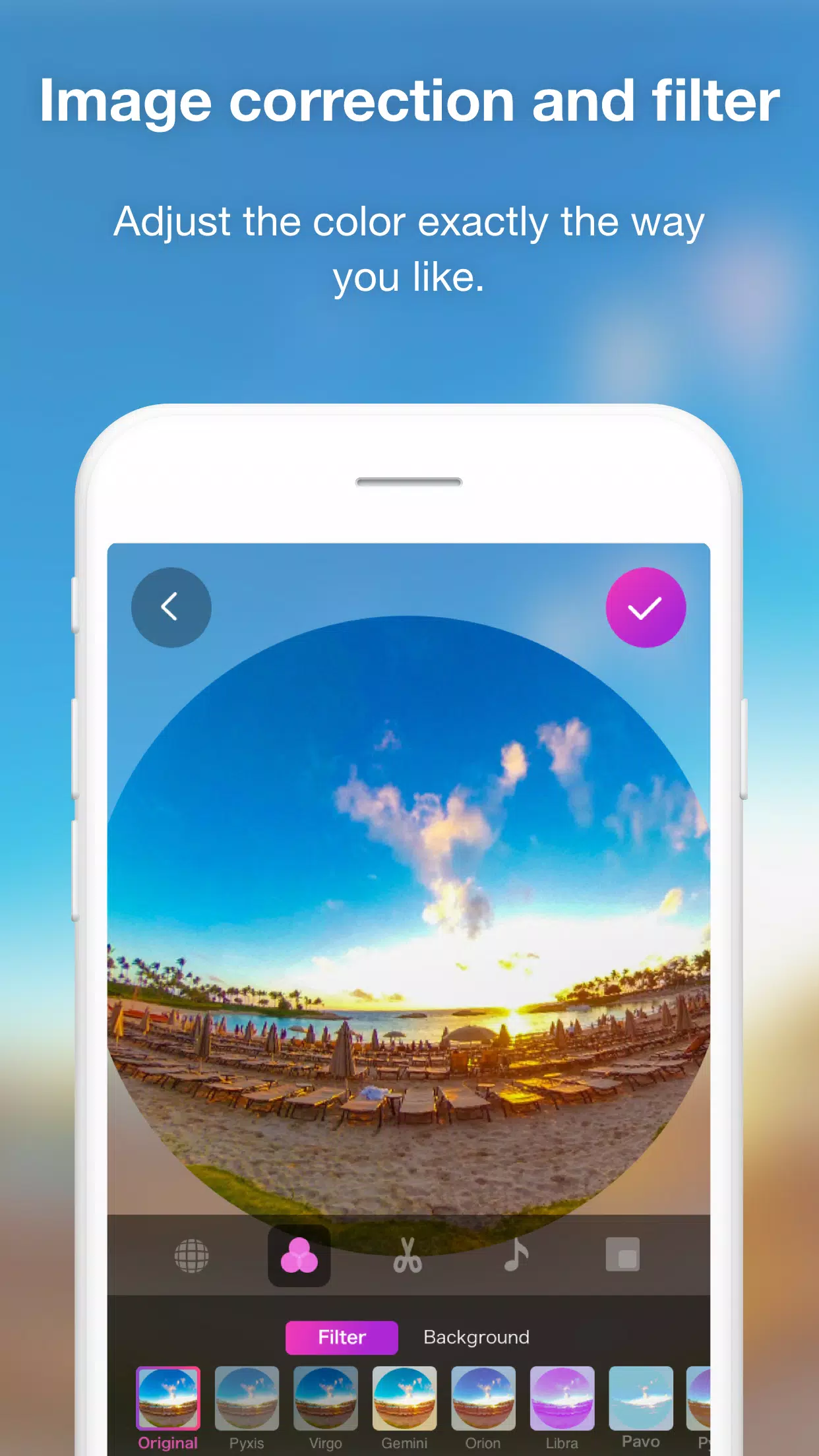
Color and Filter Adjustments: While rotating through your 360° image, you can fine-tune the overall colors using image correction and filter functions to achieve the perfect look.
Creative Enhancements: Add stamps or text to your 360° images to make them more engaging and fun to view.
Advanced Video Editing: THETA+ supports trimming, double-speed editing, adding background music, and other advanced 360° video editing functions to enhance your content.
Time Lapse Creation: Combine multiple 360° images to easily create stunning time-lapse videos.
◇ Supported Environments for THETA+:
"Clair Obscur: Expedition 33 Hits 1 Million Sales in 3 Days"
Top 10 Liam Neeson Films Ranked
Ragnarok V: Returns Beginner's Guide - Classes, Controls, Quests, Gameplay Explained
Roblox Deep Descent: January 2025 Codes Revealed
Expedition 33 Patch Fixes Soft-Lock Bug
Bitlife: How to Complete the Renaissance Challenge
How to Feed Villagers in Necesse
Bahiti Hero Guide: Mastering the Epic Marksman in Whiteout Survival

Adobe Acrobat Reader: Edit PDF
Download
Themepack - App Icons, Widgets
Download
Aloha Private Browser - VPN
Download
Dynamic Island - Notch Island
Download
DroidCam Webcam & OBS Camera
Download
NetVPN - Unlimited VPN Proxy
Download
Yoga VPN -Secure Proxy VPN
Download
SpMp (YouTube Music Client)
Download
Mixing Station
Download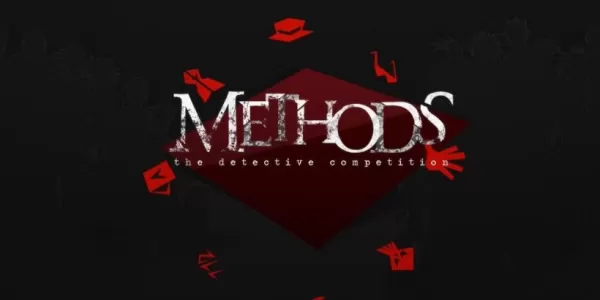
Methods: Complete Edition brings the breezy detective visual novel together in one release, out now
Sep 26,2026

Piece with a slant Crossword Clue - Try Hard Guides
Sep 26,2026
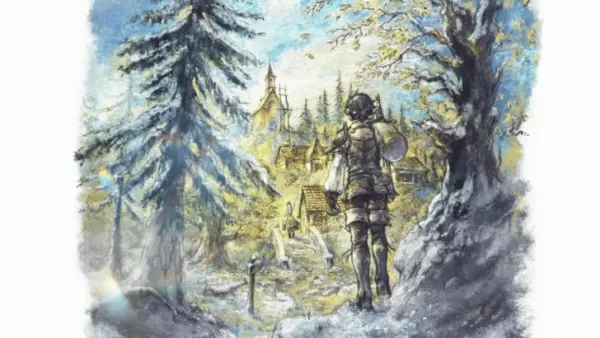
Octopath Traveler 3 is Actually Octopath Traveler 0 Launching on Switch 2
Sep 25,2026
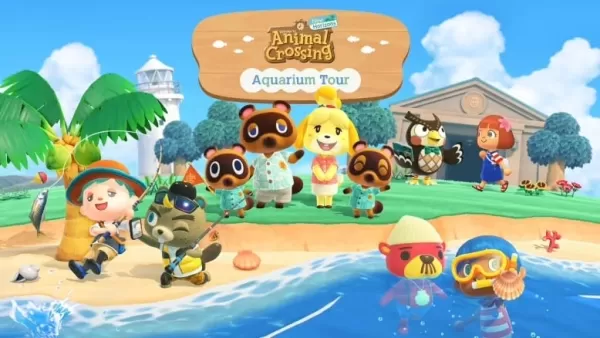
How Animal Crossing Sparked the Cottagecore Boom
Sep 25,2026

"Drop Zone Galaxy: New Physics-Based Game Launches on Android"
Sep 22,2026
 Category
 Download






Discover the best beauty apps to enhance your makeup and skincare routine! This curated collection features top-rated apps like Magic Beauty Makeup Camera, Beauty Plus Princess Camera, Makeup Ideas, FOREO (for skincare devices), Easy hairstyles step by step, FaceTone, SnapArt, Makeup Photo Editor, Beauty Make Up Photo Editor, and Makeup Camera: Selfie Editor & Beauty Makeup. Transform your selfies, find makeup inspiration, and explore innovative skincare tools – all in one place. Find the perfect app to achieve your desired look and elevate your beauty game today!
FaceTone
Makeup Camera: Selfie Editor & Beauty Makeup
Beauty Plus Princess Camera
SnapArt Pro Ai Photo Editor
Makeup Ideas
FOREO For You
Makeup Photo Editor