
by Owen Apr 13,2025
The ROG Ally made a splash in 2023 as a compelling alternative to the Steam Deck, thanks to its Windows operating system that opens up access to a wider range of games. The subsequent release of the ROG Ally X last year not only enhanced the internal components but also improved the ergonomics and cooling, making it even more comfortable to use.
While the ROG Ally excels in portability, it's a bonus to be able to enjoy your games on a larger screen, whether it's on your TV or a gaming monitor. Fortunately, both versions of the ROG Ally support connection to external displays. Below, you'll find a comprehensive guide on how to connect your ROG Ally to a TV or monitor, complete with detailed instructions and recommendations.
Connecting your ROG Ally to a TV or monitor can be achieved in various ways, but using an adapter is a straightforward and space-saving option. You can choose between a small dongle-style adapter, a direct cable, or the official ROG Gaming Charger Dock, all of which are readily available.
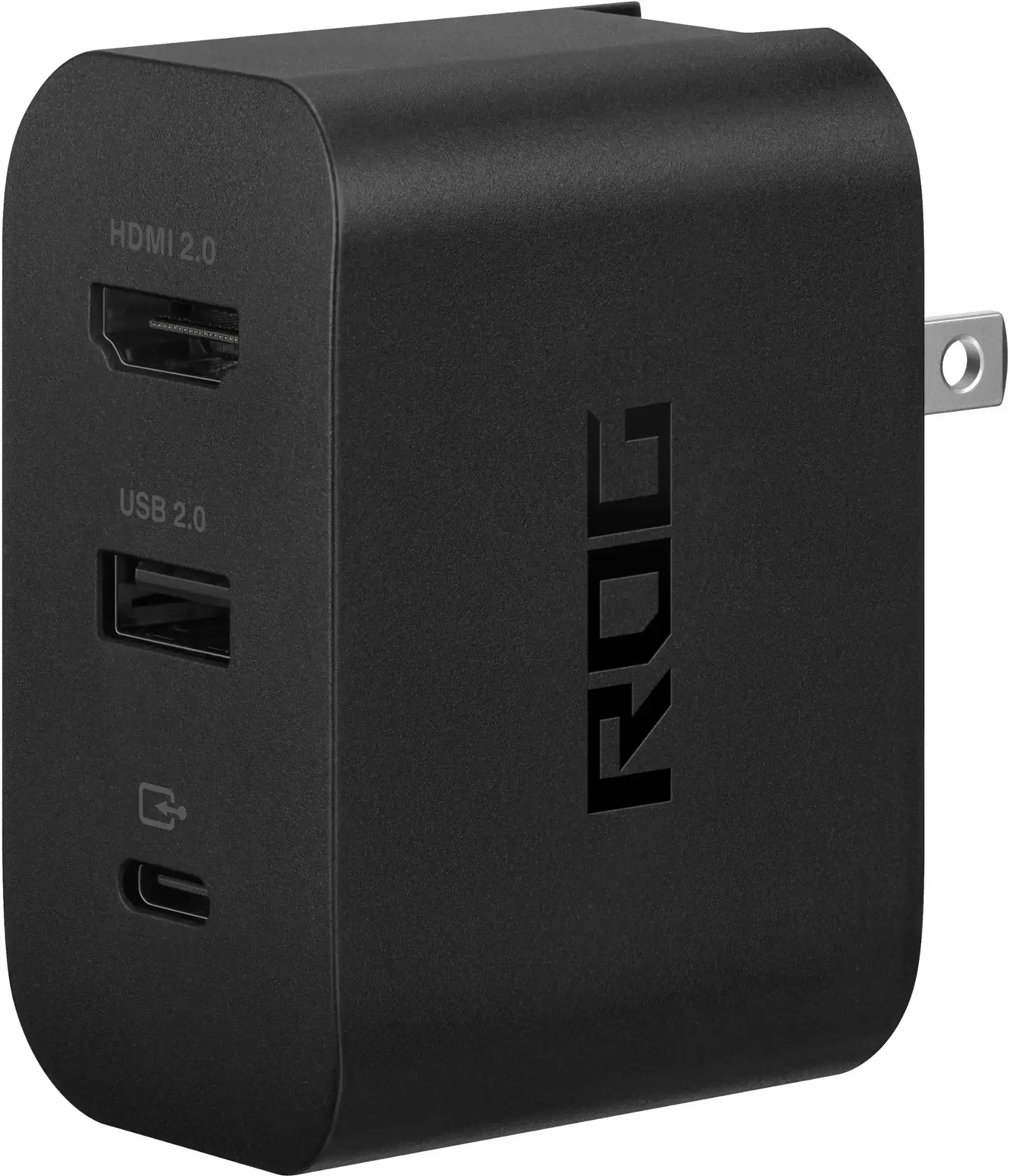
Supports HDMI 2.0 with USB Type-A and USB Type-C for ROG Ally. See it at Best Buy
Asus has streamlined the process of connecting the ROG Ally to a TV with the official ROG Gaming Charger Dock, which is the most compact adapter option. It serves a dual purpose as a charger, requiring only a USB-C and HDMI cable. The Charger Dock also includes a USB-A port for connecting peripherals like a mouse or keyboard.
For those preferring a third-party solution, a USB-C to HDMI adapter can be directly plugged into the ROG Ally's USB-C port. Then, attach an HDMI cable from the adapter to your TV or monitor. Alternatively, a USB-C to HDMI cable offers a seamless, one-cable solution directly from your ROG Ally to your display.
It's important to mention that some USB-C to HDMI adapters come with a passthrough USB-C port, allowing you to charge your ROG Ally while it's connected to an external display. If your adapter has this feature, you'll need an additional USB-C cable and your power adapter to keep the internal battery charged during gameplay.
For a setup reminiscent of the Nintendo Switch, consider using a docking station. While the ROG Ally doesn't have an official docking station beyond the ROG Gaming Charging Dock (which functions more as an adapter), there are numerous third-party options available. These docking stations enable you to place the ROG Ally into a stand while connecting to your TV or monitor and charging simultaneously.
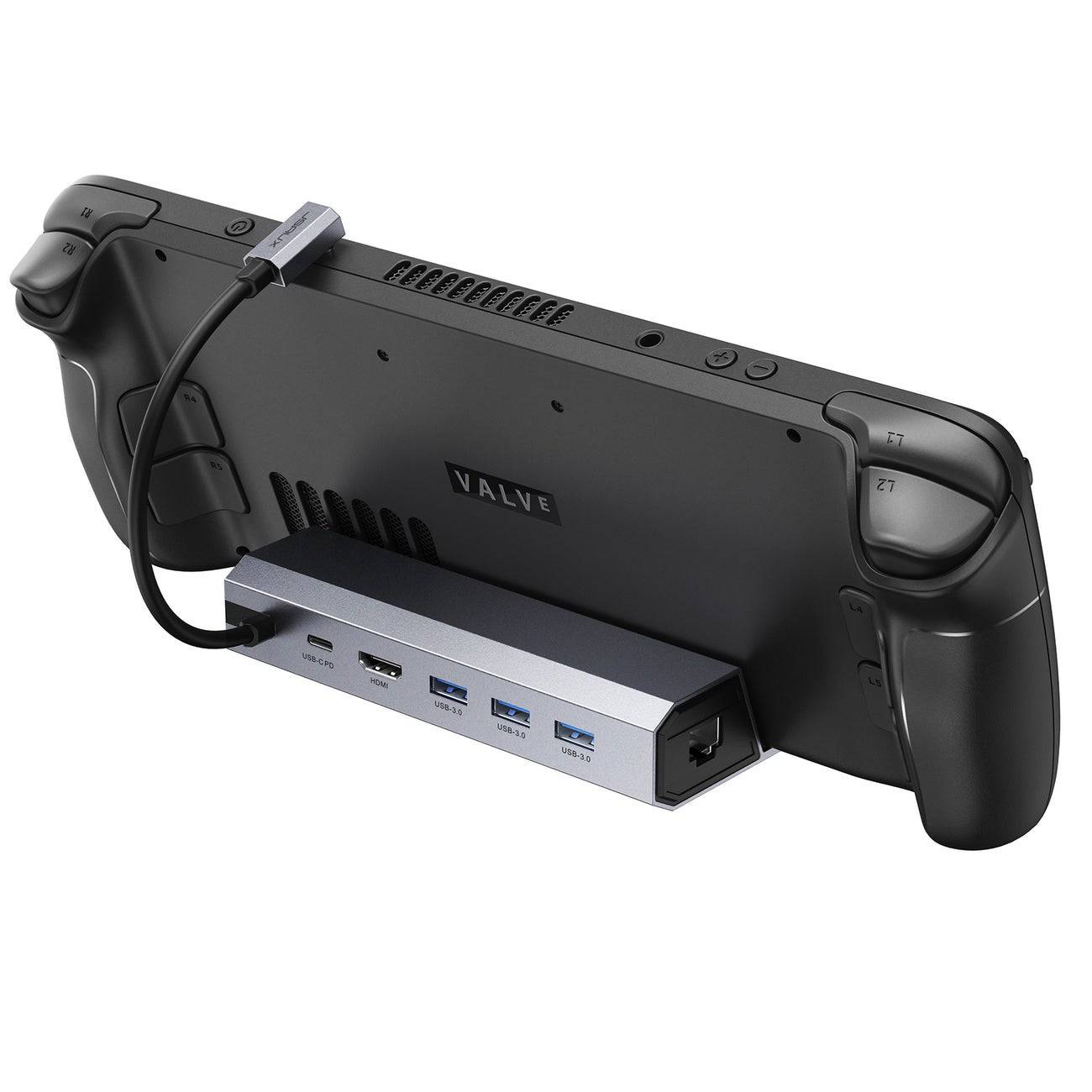
2100 watts of power for fast charging and a plethora of ports come with this lightweight, compact dock that also serves as a stand. See it at Amazon
Basic docks for the ROG Ally typically feature an HDMI port and a USB-C passthrough charging port. For more comprehensive setups, consider docks with additional USB ports for peripherals, external hard drives, Ethernet ports for stable internet connections, SD card slots for expanded memory, and even a Display Port for connecting an additional screen. Portable docks make it convenient to travel with the ROG Ally and connect to larger displays on the go. Many docks compatible with the Steam Deck are also suitable for the ROG Ally.
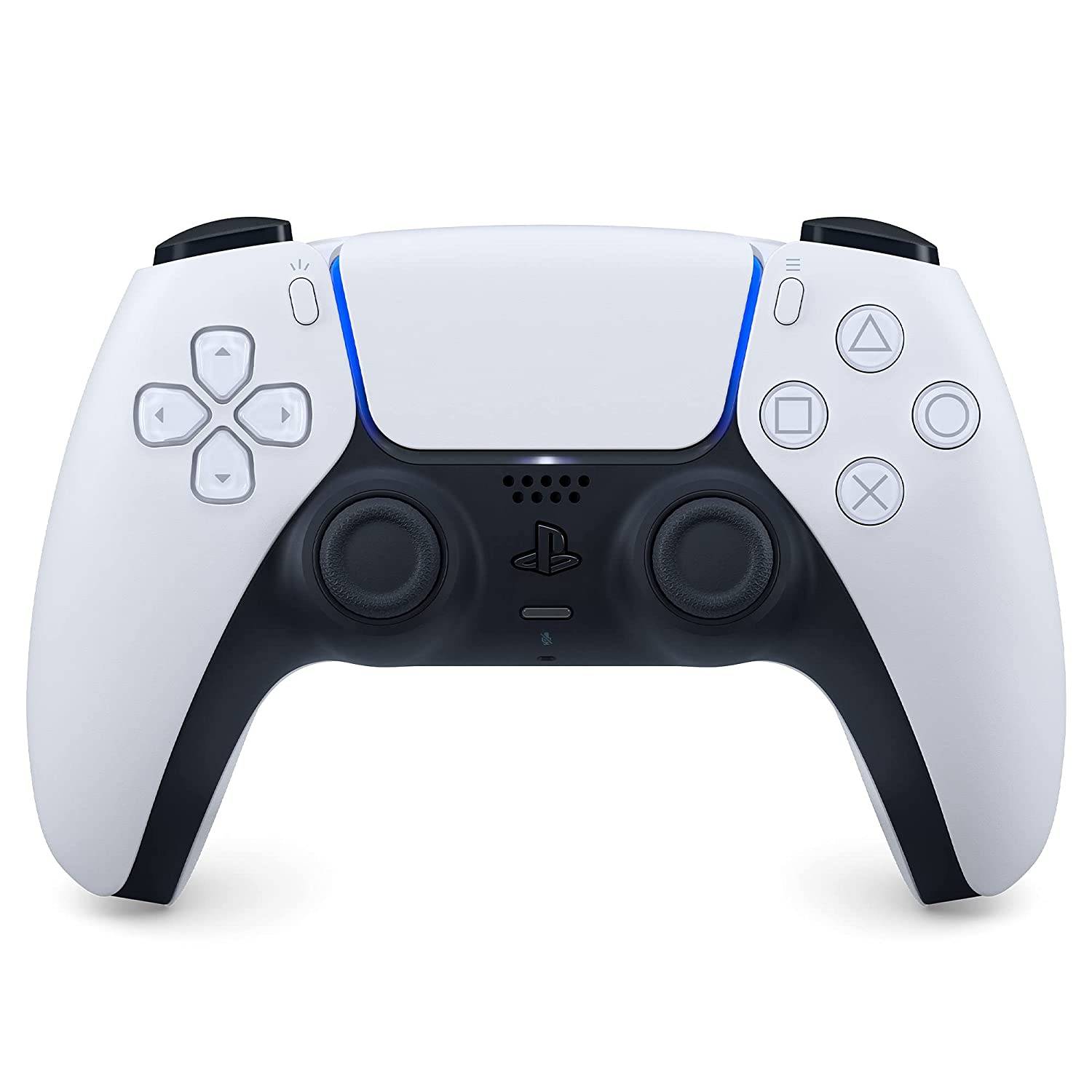
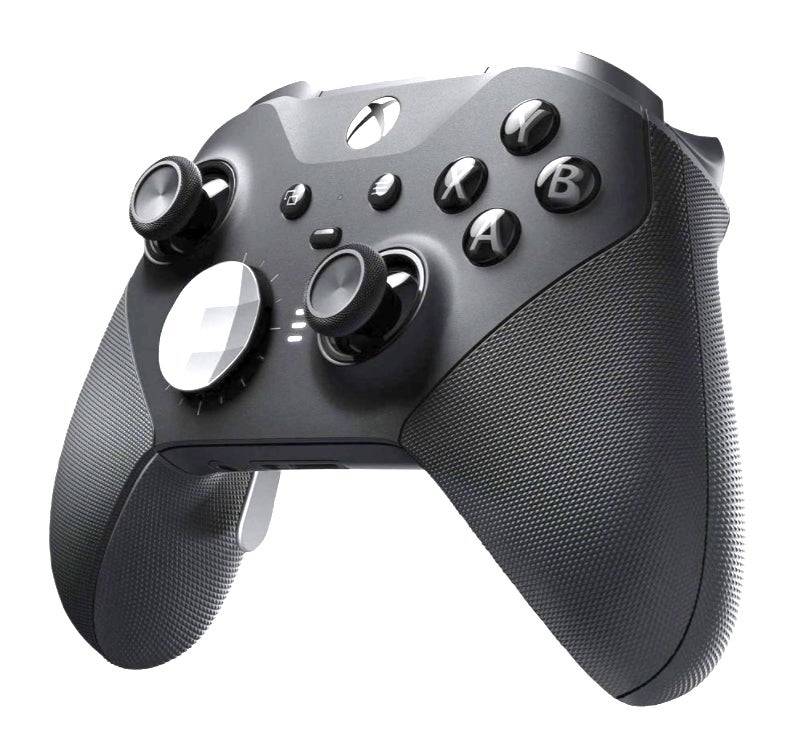
While you can connect a mouse and keyboard to your chosen docking solution, using a wireless controller often provides the most comfortable gaming experience on a larger screen. The ROG Ally supports any Bluetooth-enabled gaming controller. Below are our top picks for the best controllers, which are compatible with both the Steam Deck and the ROG Ally.
See it at Amazon | See it at Best Buy | See it at Target
See it at Amazon | See it at Best Buy
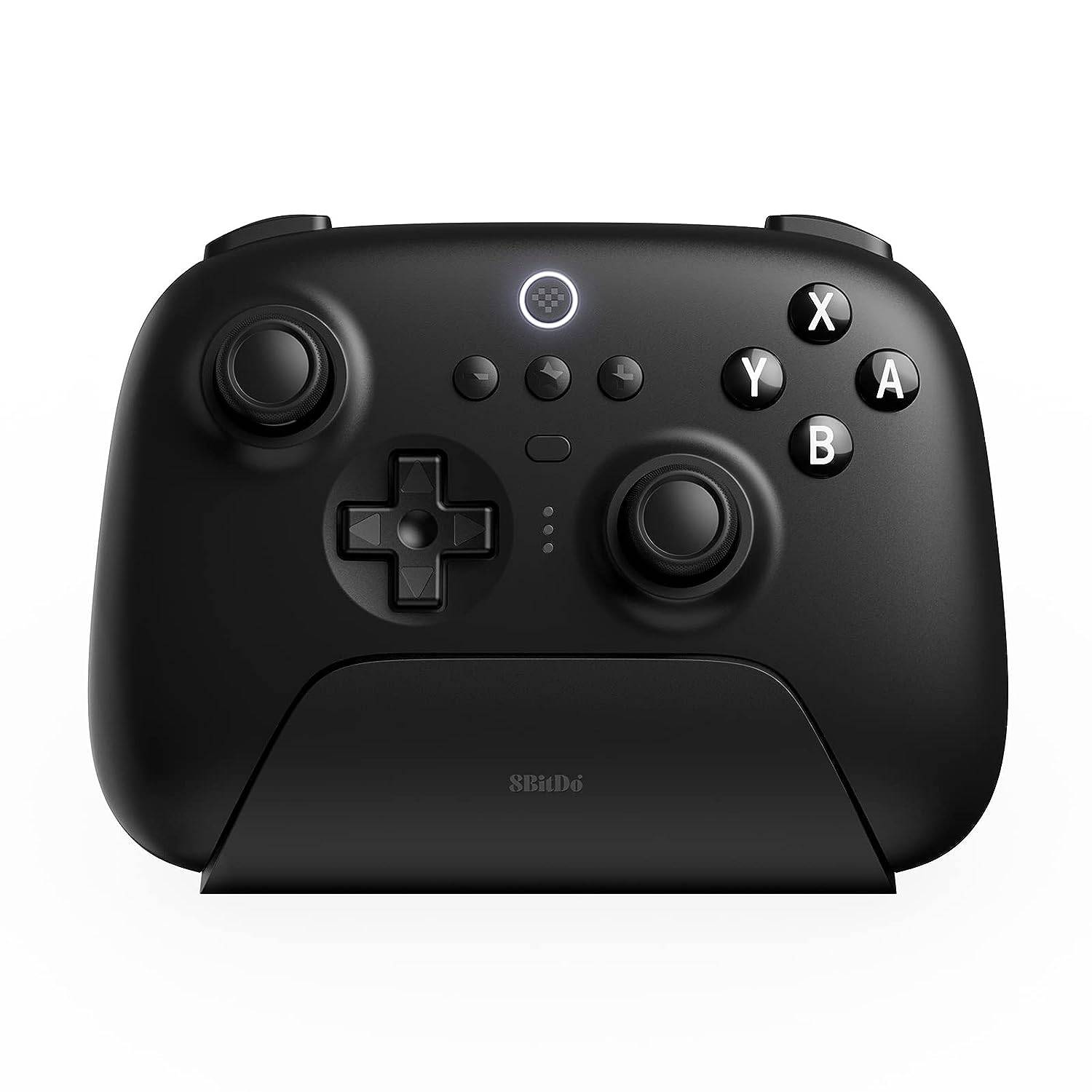
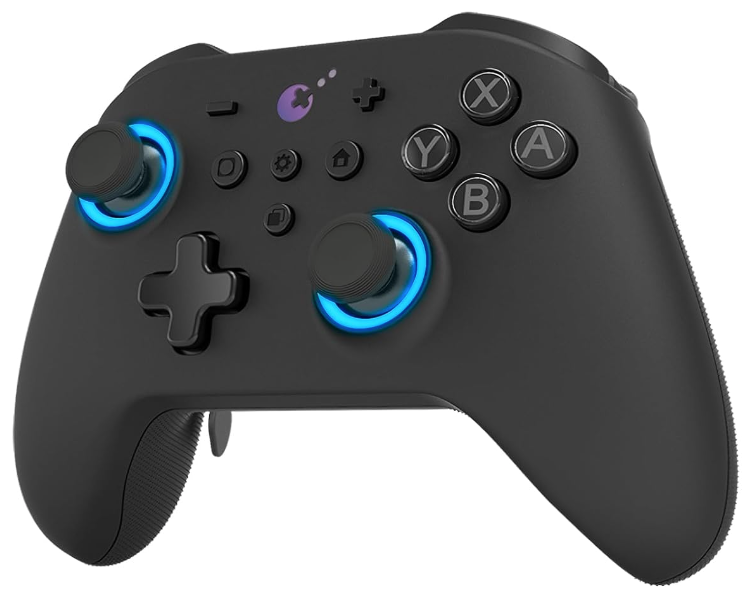
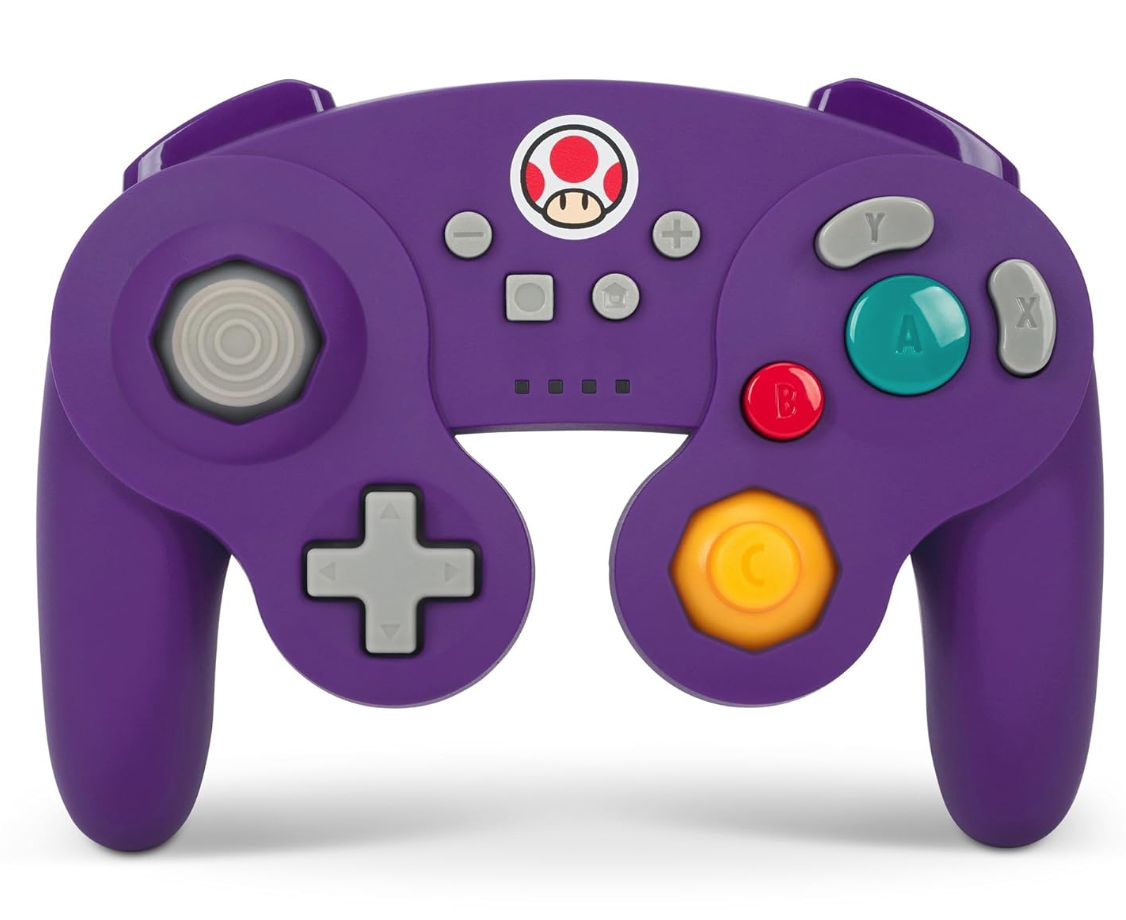
This selection includes first-party options like the PS5's DualSense, the Xbox Wireless Controller, or the Nintendo Switch Pro Controller, as well as a variety of third-party controllers. Some controllers utilize a 2.4GHz wireless connection with an included USB adapter, typically providing lower latency and better range than standard Bluetooth controllers. For those preferring a wired solution, a USB controller offers a simple plug-and-play option when sitting close to your ROG Ally or docking station.
"Clair Obscur: Expedition 33 Hits 1 Million Sales in 3 Days"
Ragnarok V: Returns Beginner's Guide - Classes, Controls, Quests, Gameplay Explained
Top 10 Liam Neeson Films Ranked
Roblox Deep Descent: January 2025 Codes Revealed
How to Feed Villagers in Necesse
Bitlife: How to Complete the Renaissance Challenge
"Ōkami 2: Capcom, Kamiya, and Machine Head Discuss Sequel in Exclusive Interview"
Bahiti Hero Guide: Mastering the Epic Marksman in Whiteout Survival
Grimguard Tactics Launches First Major Update
Mar 26,2026

AFK Journey Is Dropping a Crossover with Delicious in Dungeon Soon!
Mar 15,2026

"SD Gundam G Generation Eternal Reveals New Map Event"
Mar 13,2026
Romeo Is A Dead Man Hasn't Got a Firm Release Window Because 'Every Publisher Wants to Make Sure to Steer Clear Of That One Game’s Release Date'
Mar 07,2026
Expanse: Osiris Reborn Echoes Mass Effect with Romance
Mar 04,2026
 Category