
by Simon Apr 26,2025
The Sony DualSense stands out as the best PS5 controller due to its innovative features, enhanced grip, and superior ergonomics, making it perfect for maximizing your gaming experience on the PlayStation 5. While integrating it with the best gaming PCs might have been challenging with the DualShock 4, the DualSense offers much improved PC compatibility, earning its place among the best PC controllers. Let's delve into how straightforward it is to connect your DualSense to your PC.
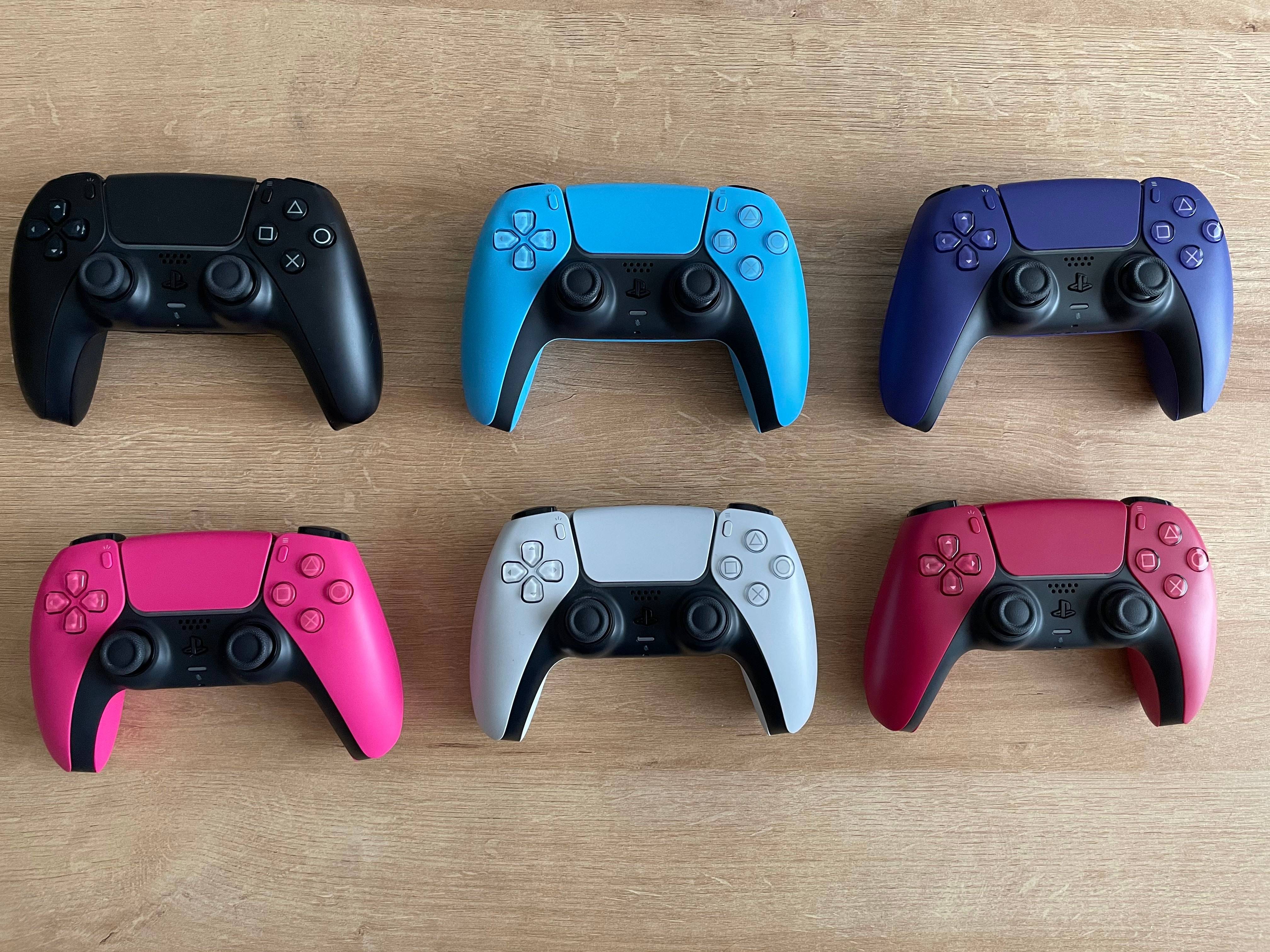
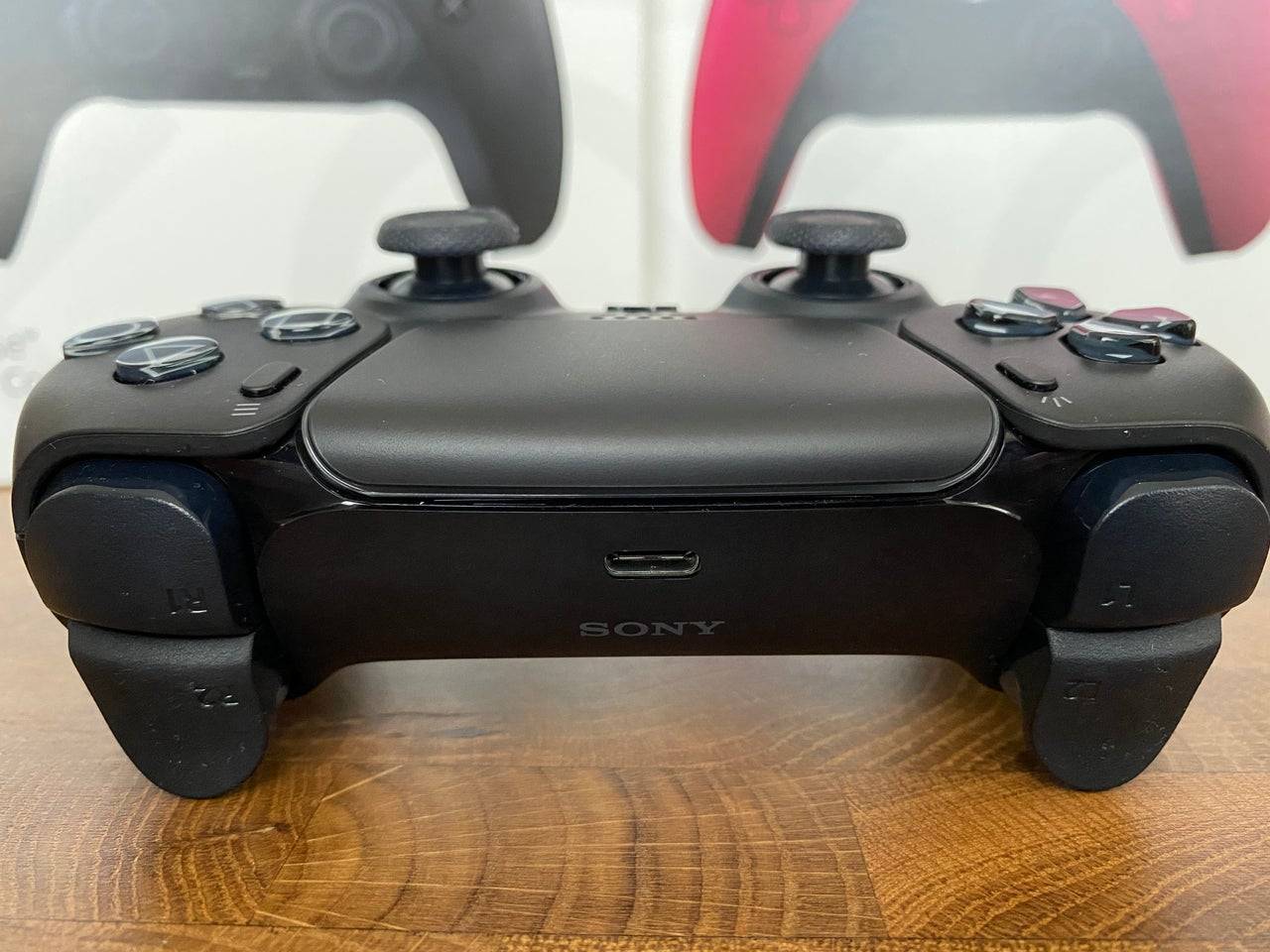
Connecting your DualSense to a PC can be a bit tricky if you're not prepared. The DualSense doesn't include a USB cable when purchased separately, and not all PCs come equipped with Bluetooth. To successfully pair your DualSense with a PC, you'll need a USB-C cable that supports data transfer. This can be a C-to-C cable if your PC has a USB-C port, or a USB-C-to-A cable for traditional rectangular USB ports.
If your PC lacks Bluetooth, adding it is quite simple. The market offers various Bluetooth adapters, from those that fit into a PCIe slot to those that simply plug into a USB port.
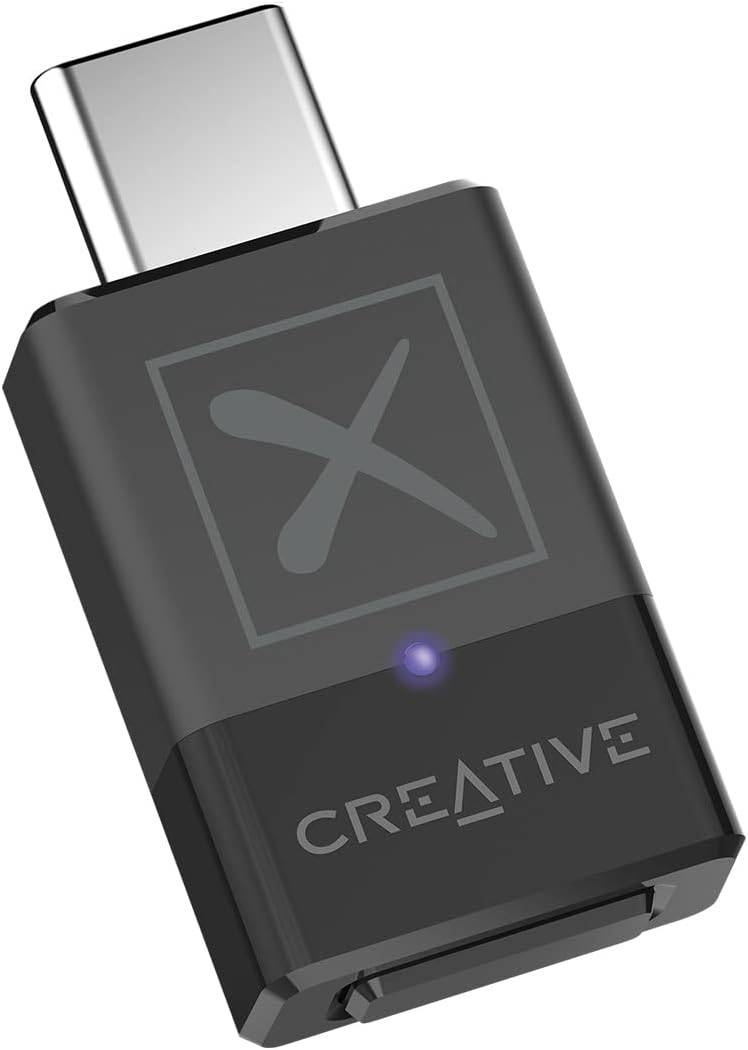
See it at Amazon
"Clair Obscur: Expedition 33 Hits 1 Million Sales in 3 Days"
Top 10 Liam Neeson Films Ranked
Roblox Deep Descent: January 2025 Codes Revealed
Ragnarok V: Returns Beginner's Guide - Classes, Controls, Quests, Gameplay Explained
How to Feed Villagers in Necesse
Bitlife: How to Complete the Renaissance Challenge
Bahiti Hero Guide: Mastering the Epic Marksman in Whiteout Survival
Expedition 33 Patch Fixes Soft-Lock Bug
Samsung Launches Cheaper MicroSD Express Cards
May 04,2026

New roguelike game Trimo Heroes merges to save galaxy
May 04,2026
City-Building Game Islanders: New Shores Is Coming to Mobile This Month!
May 03,2026

Shuwatch: New Ultraman Puzzle Game Marks Series' 60th
May 02,2026

Persona 5 Phantom X Hits Mobile
May 01,2026
 Category










![Landlords[classic]](https://img.uziji.com/uploads/90/17304556306724a84e3f484.jpg)