
[Key features]
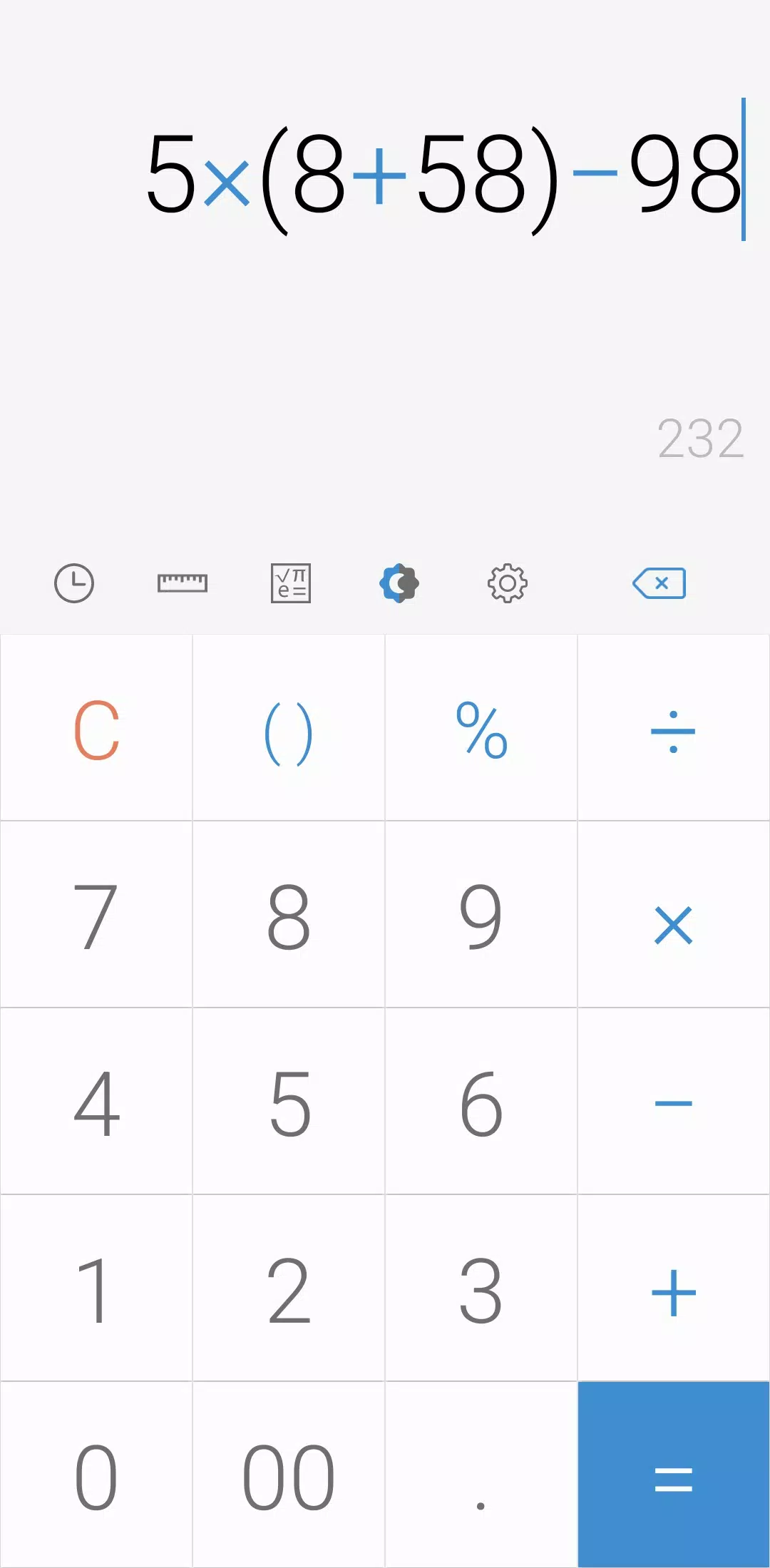
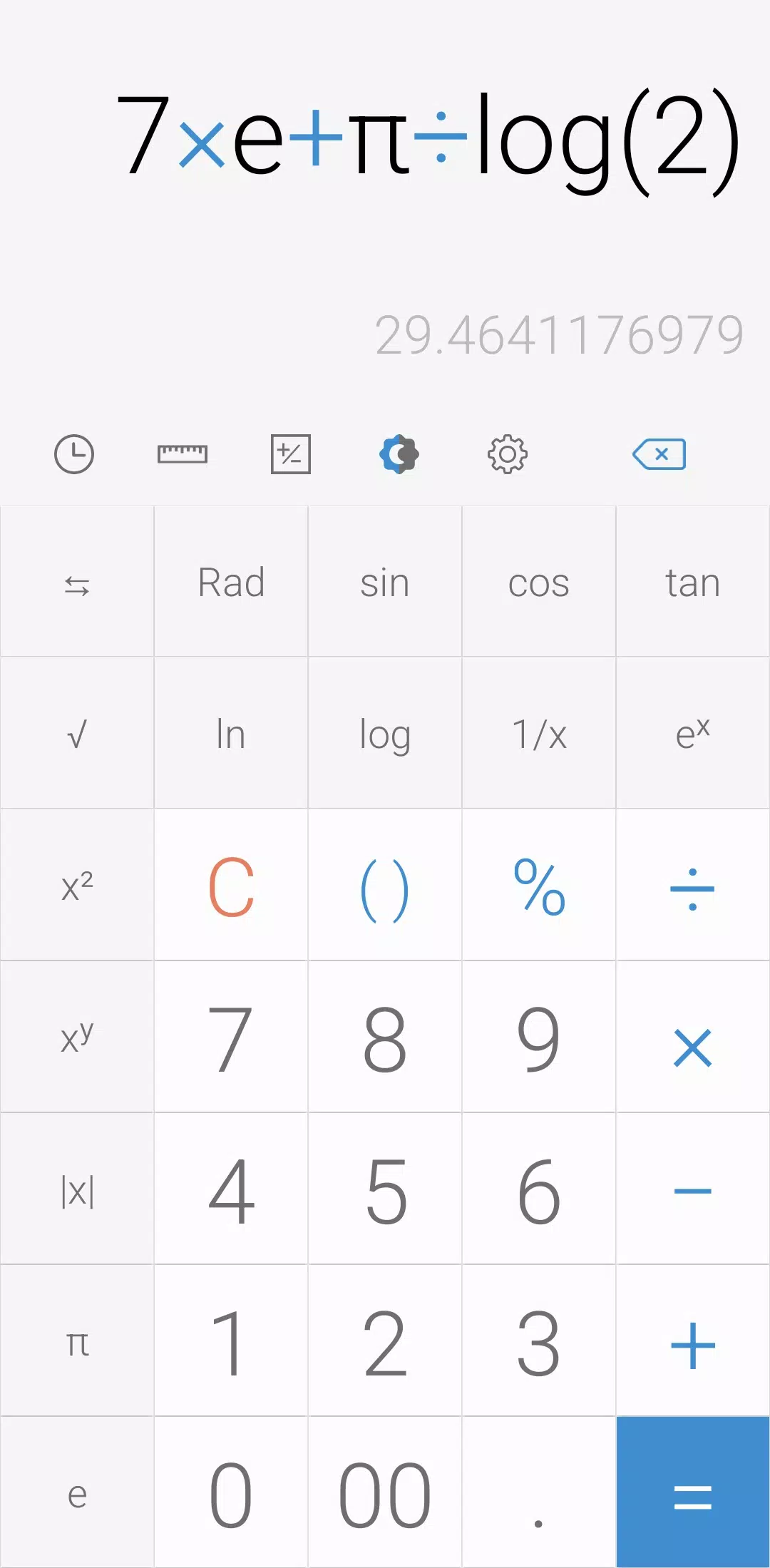
Perform four fundamental operations and engineering calculations with ease. Whether you're adding, subtracting, multiplying, or dividing, this calculator has you covered. For more complex tasks, start the engineering calculator by tapping the engineering calculator icon.
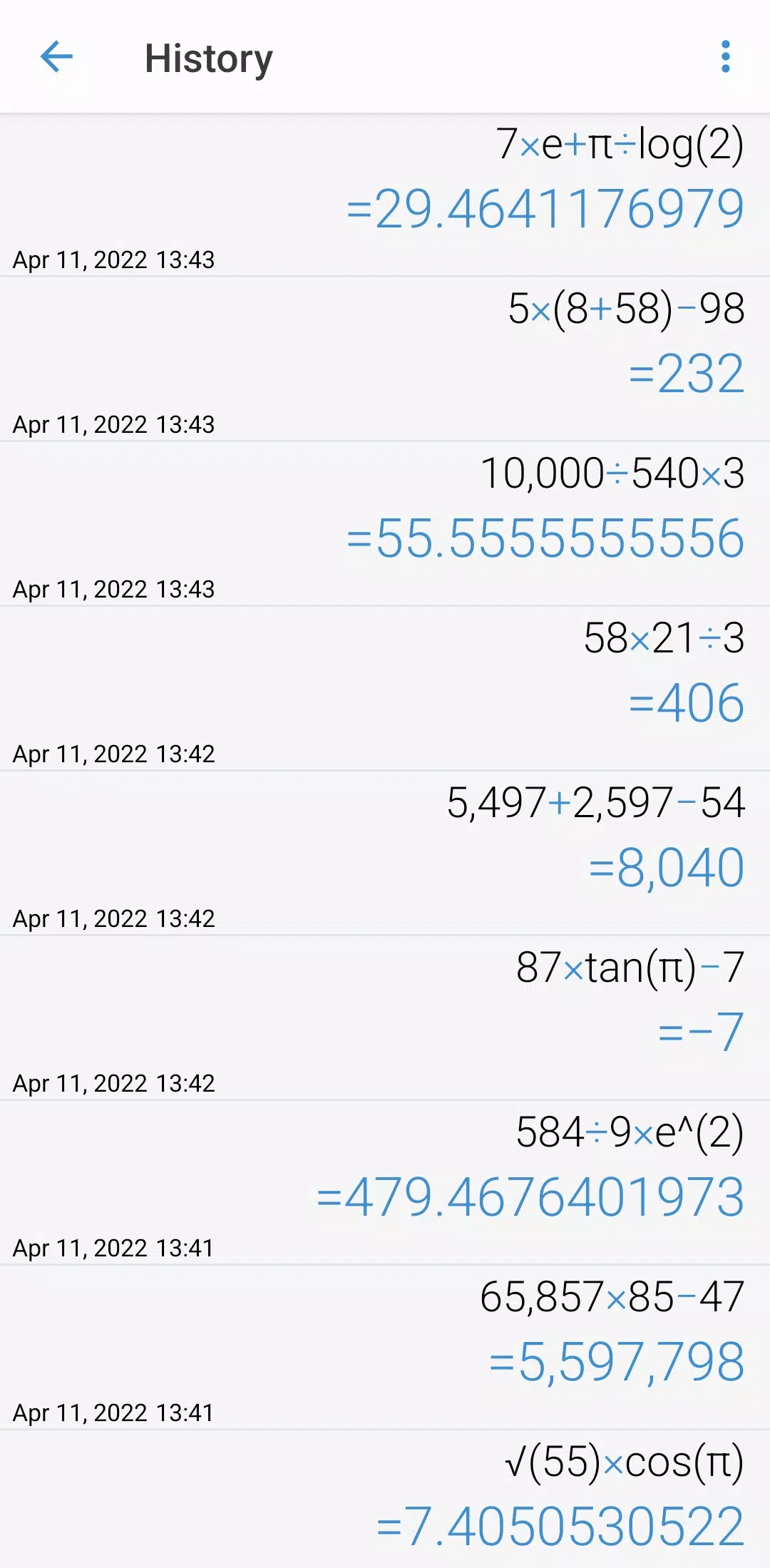
To review your past calculations, simply tap the calculation history icon. You can reuse all previously inputted formulas by selecting the one you need directly from the calculation history.
[Additional features]
Need to convert units? Just tap the unit calculator button. Convert a wide range of measurements including:
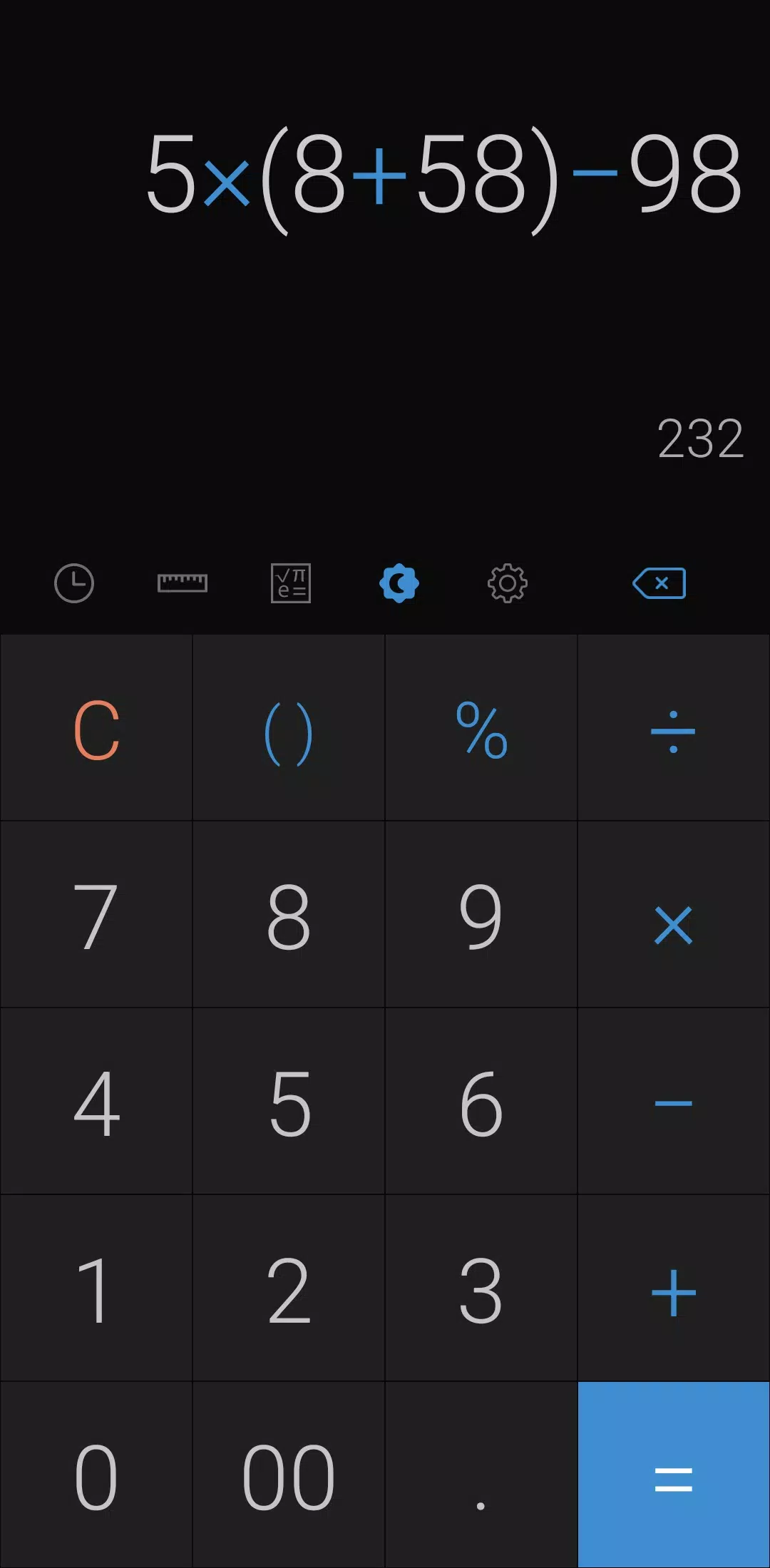
Customize your experience by changing the theme mode. Tap the night mode icon to switch to a darker, easier-on-the-eyes interface. Specify the time range for night mode activation through the settings.
Personalize your calculator further by choosing your preferred color from the settings menu. To clear a calculation from your history, long press on the item in the history page.
Adjust the language to your preference by selecting your preferred language from the settings. Enable a beep or vibration feedback when pressing buttons by navigating to the settings menu.
For numerical preferences, select your preferred numerals from settings, as all numeral systems are supported. You can also change the number format and specify the number of decimal places after the comma through the settings.
Optimize your screen usage by enabling or disabling full screen mode in the settings. Keep a record of your calculations by enabling this feature in the settings. Ensure the screen stays on during use by enabling this option in the settings. Hide any icon you don't need by adjusting your settings.
*****
Last but not least, all of these features come in a compact package and are completely free to use.
"Clair Obscur: Expedition 33 Hits 1 Million Sales in 3 Days"
Roblox Deep Descent: January 2025 Codes Revealed
How to Feed Villagers in Necesse
Ragnarok V: Returns Beginner's Guide - Classes, Controls, Quests, Gameplay Explained
Bitlife: How to Complete the Renaissance Challenge
"Ōkami 2: Capcom, Kamiya, and Machine Head Discuss Sequel in Exclusive Interview"
Bahiti Hero Guide: Mastering the Epic Marksman in Whiteout Survival
Top 10 Liam Neeson Films Ranked

Activision Tests AI for Next Blockbuster Game
Dec 17,2025

Pikmin Bloom to Celebrate Day of the Dead Next Month
Dec 16,2025

Wingspan Asia Debuts with Cross-Play Feature
Dec 16,2025

New Love and Deepspace Event: Witnessed by Deepspace
Dec 14,2025
Minecraft's Visual Refresh Rolls Out Now (45字符,控制在50字符内。关键词"Minecraft"前置,"Visual Refresh"替换原词更简洁,"Rolls Out Now"强调新闻时效性)
Dec 14,2025
 Category
 Download



















Discover the best beauty apps to enhance your makeup and skincare routine! This curated collection features top-rated apps like Magic Beauty Makeup Camera, Beauty Plus Princess Camera, Makeup Ideas, FOREO (for skincare devices), Easy hairstyles step by step, FaceTone, SnapArt, Makeup Photo Editor, Beauty Make Up Photo Editor, and Makeup Camera: Selfie Editor & Beauty Makeup. Transform your selfies, find makeup inspiration, and explore innovative skincare tools – all in one place. Find the perfect app to achieve your desired look and elevate your beauty game today!
FaceTone
Makeup Camera: Selfie Editor & Beauty Makeup
Beauty Plus Princess Camera
SnapArt Pro Ai Photo Editor
Makeup Ideas
FOREO For You
Makeup Photo Editor